File browser content
Depending on the way you are using Notebook.link, JupyterLite file browser will act differently.
When working on a project
Project files (notebooks, Python modules, data files) are saved to the project storage. Those files are kept in the Notebook.link storage server, and persist between sessions.
When working on a link to a Git repository
Git repository links are initialized with the repository content. All content is saved in the browser cache and persists only for the current browser. It is possible to reset the initial state of the repository and erase any local modifications.
Modifications made through this link are not published to the original repository.
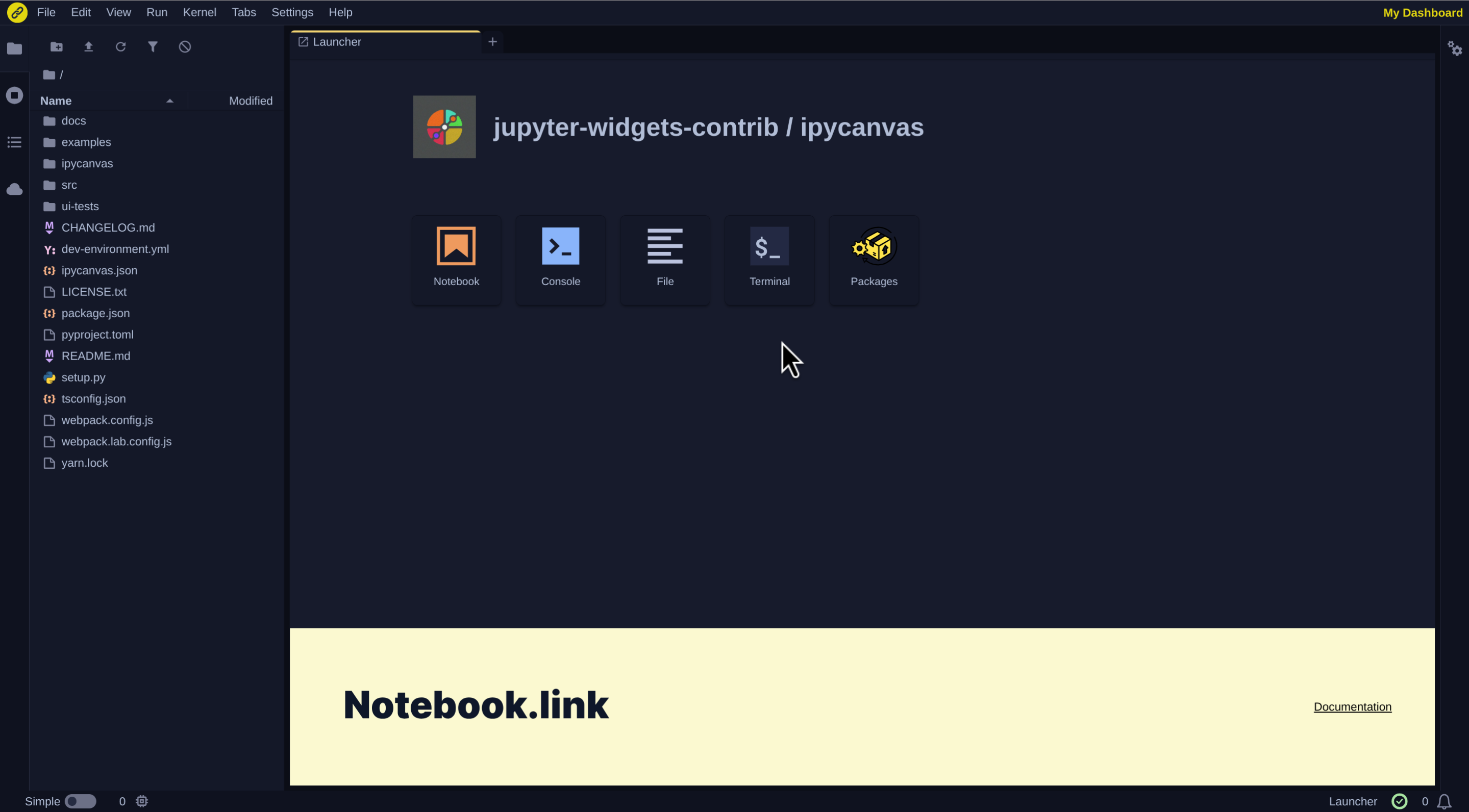
When working on a link to a project snapshot
Similar to Git repository links, project snapshots are initialized with the project snapshot content. This content is stored in the browser cache and remains persistent between sessions on this browser only. It is possible to reset the initial state of the repository and erase any local modifications.
The snapshot is read-only, modifications are not saved to the original project.