AI Assistant
The AI Assistant add-on brings AI-powered chat and code completion to JupyterLite. It uses your own account with an AI provider: requests go to the provider you choose and are billed to your account with that provider.
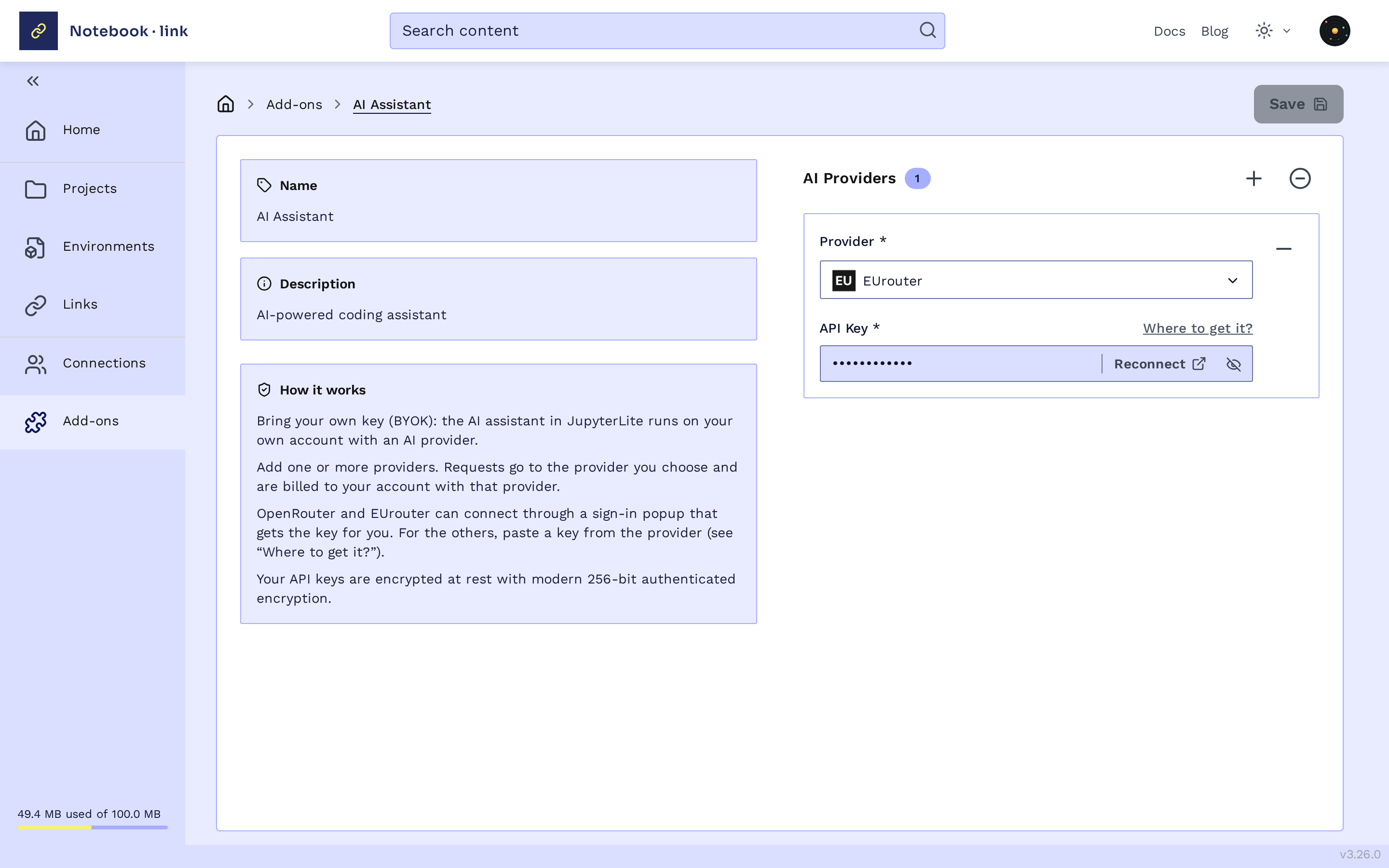
Configure the AI add-on
- Open the add-ons page and click the AI Assistant card
- Click + to add a provider and select it in the Provider list
- Enter its API key. Where to get it? opens the provider's page for creating a key. For OpenRouter and EUrouter, you can instead click Connect to sign in and get the key automatically
- Click Save
You can add several providers, and remove one with the − next to it. Your API keys are encrypted at rest.
Supported providers: OpenAI, Mistral AI, Anthropic, OpenRouter and EUrouter.
Activate it in a project
Turn on AI Assistant in the Add-ons section of your project, see
Activating an Add-on.
Using it in JupyterLite
See Using AI for what the assistant can do and how to use it: