Add-ons
Project Add-ons are JupyterLite extensions customised for Notebook.link, typically accompanied by backend services. Each Add-on is configured just once and then activated in every project it is required in.
Manage your add-ons on the add-ons page:
- Click the Add-ons button in the left sidebar menu
- View available add-ons displayed as cards
- Click any card to configure that add-on
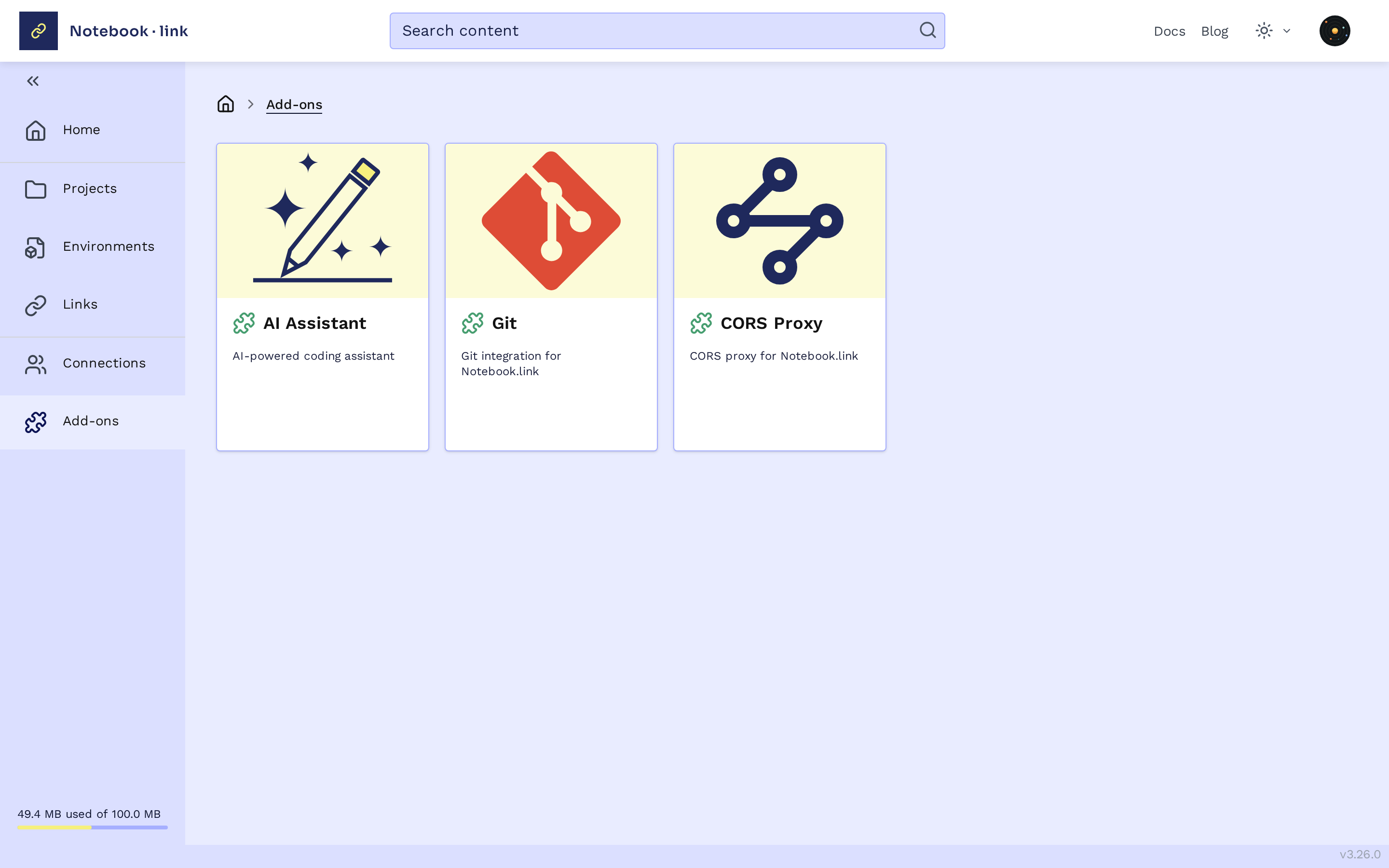
Note: The puzzle icon color indicates configuration status:
- Green: Configured
- Red: Not configured
Configuration and Activation
Add-ons require configuration before they can be activated for projects.
The configuration varies for each Add-on, activation is similar for all Add-ons.
Available Add-ons
- AI Assistant: AI-powered chat and code completion in JupyterLite, using your own AI provider account. See AI Assistant.
- Git: use the
gitcommand-line tool in the terminal, with your name, email and access tokens. See Git in the terminal. - CORS Proxy: let notebooks load data from sites that block browser requests. See CORS Proxy.
Activating an Add-on
This shows how to activate the AI Assistant Add-on, other Add-ons are similar.
When creating or editing a project:
- Locate the add-on in the
Add-onssection - Toggle the activation switch
When creating a project, save it to apply the change. When editing an existing project, the change is saved automatically.